WordPress on cPanel Hosting vs a VPS: Which to Choose
Compare hosting WordPress on cPanel hosting or on a VPS: ease, control, performance, security and upkeep, and which one fits your situation best.
For most WordPress sites, cPanel hosting is the better choice: it is quicker to set up, the provider keeps the server running, and SSL, email and databases are included. A VPS makes sense when you need root access, run several sites or custom services, or have outgrown shared resources. The question is not which is more powerful, but how much of the server you want to be responsible for.
The short answer
| cPanel hosting | VPS | |
|---|---|---|
| Setup | Minutes: install WordPress in one click | An hour or more: install and secure the stack |
| Who maintains the server | The provider | You |
| Root access | No | Yes |
| SSL | Issued and renewed automatically | You configure it (Let's Encrypt is common) |
| Mailboxes included | You run mail yourself or use another service | |
| Flexibility | Limited to what the plan allows | Anything you can install |
| Best for | Blogs, business sites, small shops | Many sites, custom stacks, heavy sites, learning |
What cPanel hosting gives you
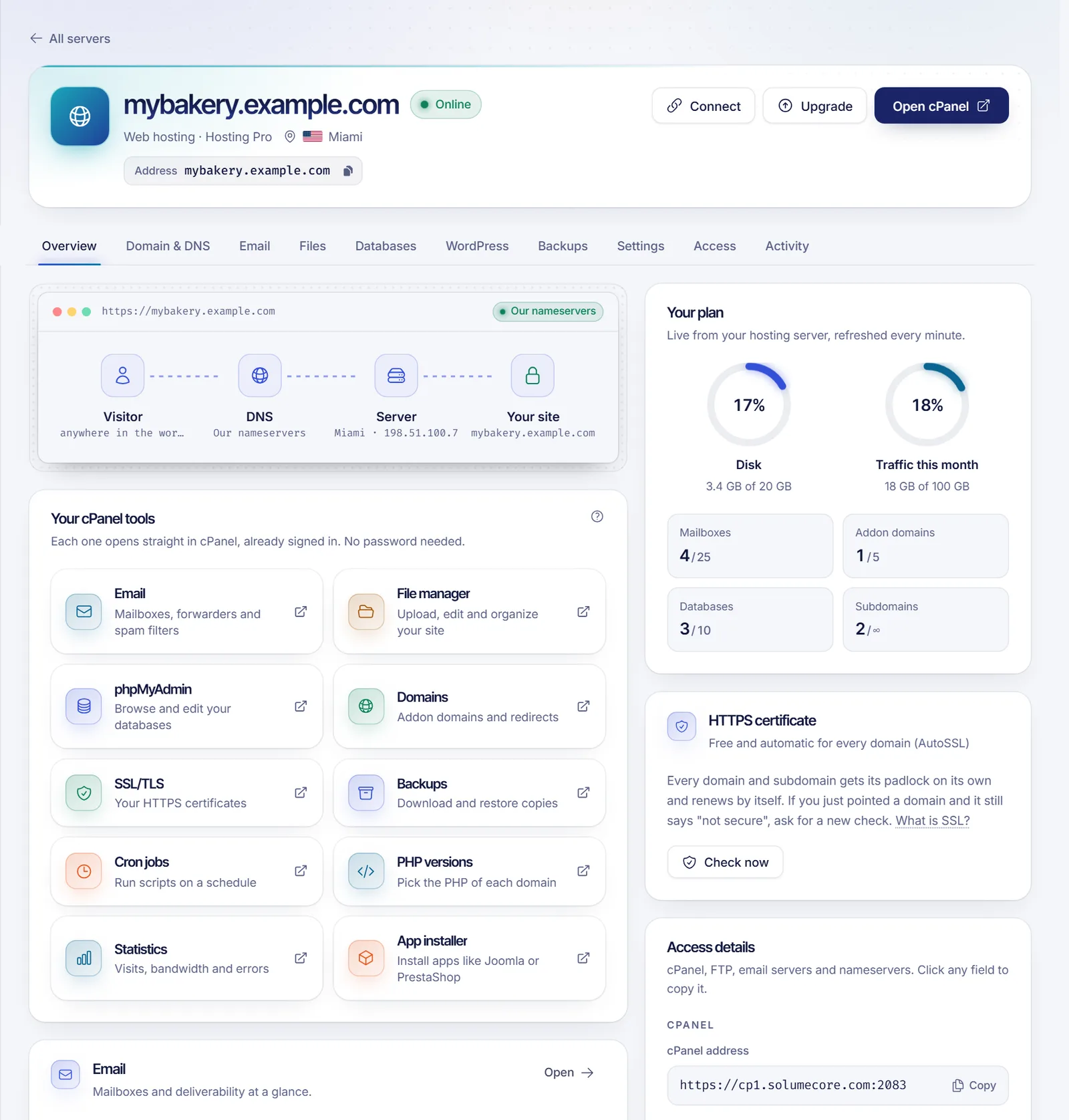
With a cPanel plan, you get an account on a server the provider manages. At SolumeCore that includes the full cPanel interface: a WordPress installer, MySQL databases, mailboxes, FTP and a file manager. SSL is issued and renewed automatically through AutoSSL, so there is nothing to buy separately or install by hand.
You also do not need a domain on day one. You can start on a temporary subdomain with HTTPS and connect your own domain later with a guided flow; your site, email and SSL move with it. The steps are in connecting a domain to a game server or website.
The account is created automatically once payment is confirmed, normally in under a minute, and you get your access details by email.
Who it suits
- You want a site online, not a server to look after.
- You are comfortable in a dashboard, not a terminal.
- Your traffic is moderate and mostly page views.
What a VPS gives you
A VPS is a virtual machine with its own operating system and root access. You install a web server (Nginx or Apache), PHP, a database, an SSL certificate, caching and backups yourself. In return you can tune everything and host as many sites as the machine can handle.
The Nginx config generator helps with part of that setup.
Who it suits
- You host several sites and want to consolidate.
- You need software that shared hosting does not allow.
- You like to tune performance and have the time to maintain a server.
- You want to learn server administration.
Performance: it is less about the machine than you think
A well-configured WordPress site on a small plan beats a neglected one on a big machine. What matters more:
- Caching: a page-cache plugin or server cache dramatically reduces load.
- PHP version: use a current supported version.
- Plugins: each plugin adds work; remove what you do not use.
- Images: compress and size them correctly.
- The database: clean up old revisions and transients.
On a VPS you can add object caching and fine-tune PHP, but without good habits the extra power is wasted. A VPS shares the node's cores with other customers; if you need cores reserved for you, a VDS does that. See VPS vs VDS vs shared hosting vs game server.
Security: who is responsible?
- cPanel hosting: the provider handles the operating system and server software. You still own WordPress itself, so keep core, themes and plugins updated, use strong passwords and enable two-factor authentication.
- VPS: you handle all of the above and the whole server, including firewall, SSH and OS updates. See how to secure a new VPS.
Most hacked WordPress sites are hacked through outdated plugins and weak passwords, in either setup.
Backups
Never rely on one copy. Whichever you choose, keep backups outside the server and test restoring them. On a VPS, take a snapshot before updates and use full backups for long-term copies; the idea is the same as in game server backups with the 3-2-1 rule.
Scaling later
Starting on cPanel does not lock you in. WordPress moves between hosts with a migration plugin or a manual export of files and database. If your traffic grows, move to a VPS then, and not before you need it.
Common mistakes
- Choosing a VPS to look serious and then leaving it unpatched.
- Staying on a tiny plan with a heavy theme and a dozen plugins, then blaming the host.
- No backups.
- Ignoring updates.
- Skipping caching.
A simple way to decide
- Do you need root, a custom stack or several services? VPS.
- Is it a WordPress site (plus email) and you want it simple? cPanel hosting.
- Not sure? Start on cPanel and move later if you outgrow it.
FAQ
Can I install WordPress on a VPS?
Yes. You set up the web server, PHP, a database and WordPress itself.
Is cPanel hosting fast enough for WordPress?
For most sites, yes, especially with caching. Very high traffic or heavy plugins may justify a VPS.
Do I need a domain to start?
No. You can use a temporary address and connect your domain when you have one.
Can I migrate from one to the other?
Yes. WordPress sites are portable: copy the files and the database, or use a migration plugin.
Which is cheaper?
Entry-level cPanel plans usually cost less than a VPS, but compare what you actually need on the plans page.
Pick your setup
See web hosting for a managed WordPress-ready account, or a VPS for full control. Short answers are in the help center.